Accordion
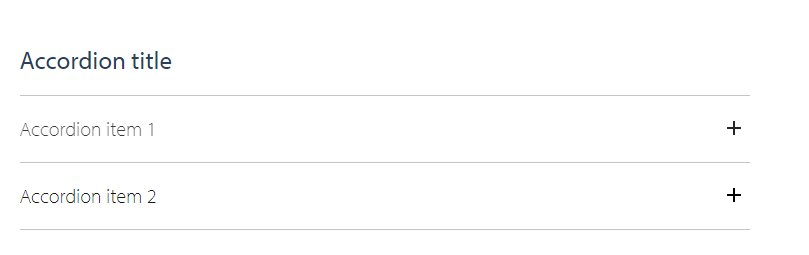
Accordion block consist of the actual accordion block and accordion item block(s)
Recommended views are full and half width
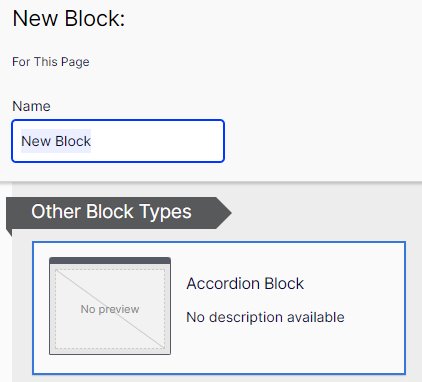
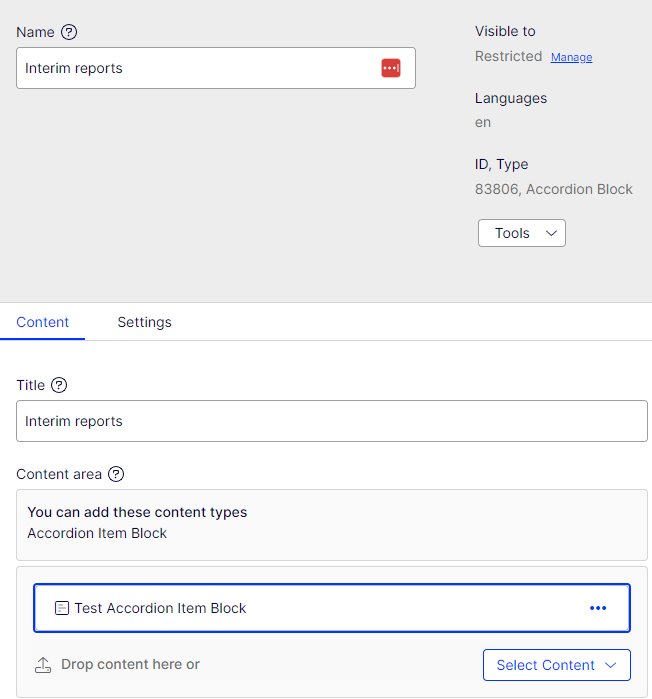
Content area -> Create new block
Name the block with the block title so it is easier to find later.
Add Title. The title is shown above the accordion items. The title can be also empty.
Press create.
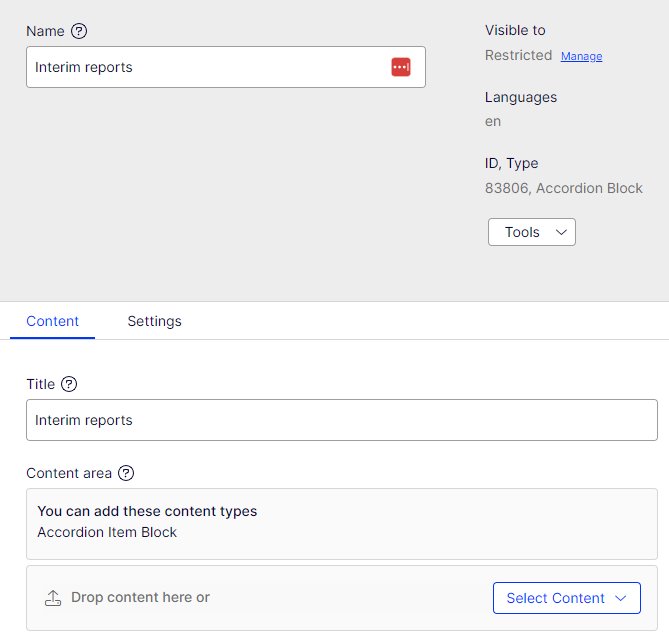
Adding accordion items
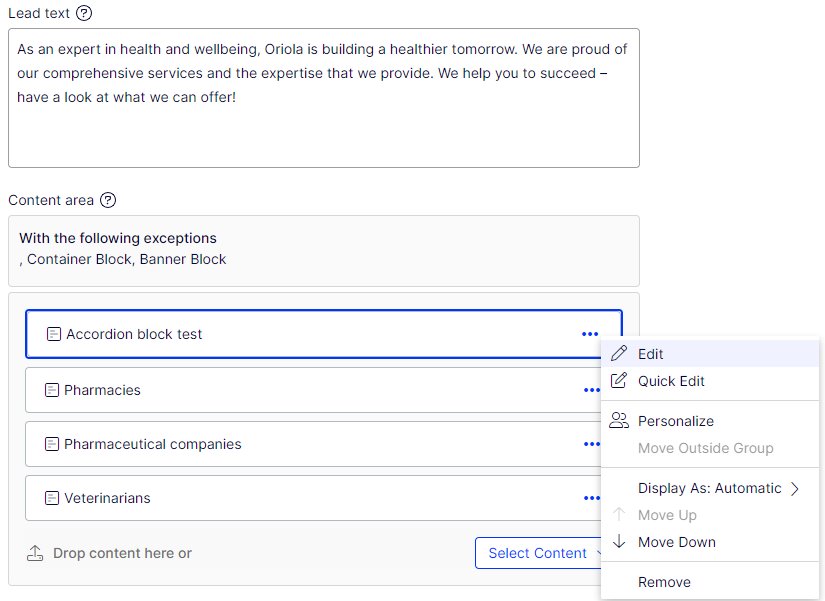
Click on the three lines next to the block and choose edit.
Now you can edit the content of the accordion.
- Create new block: create new item to accordion
- You can edit existing item by clicking on the right hand corner of an existing items
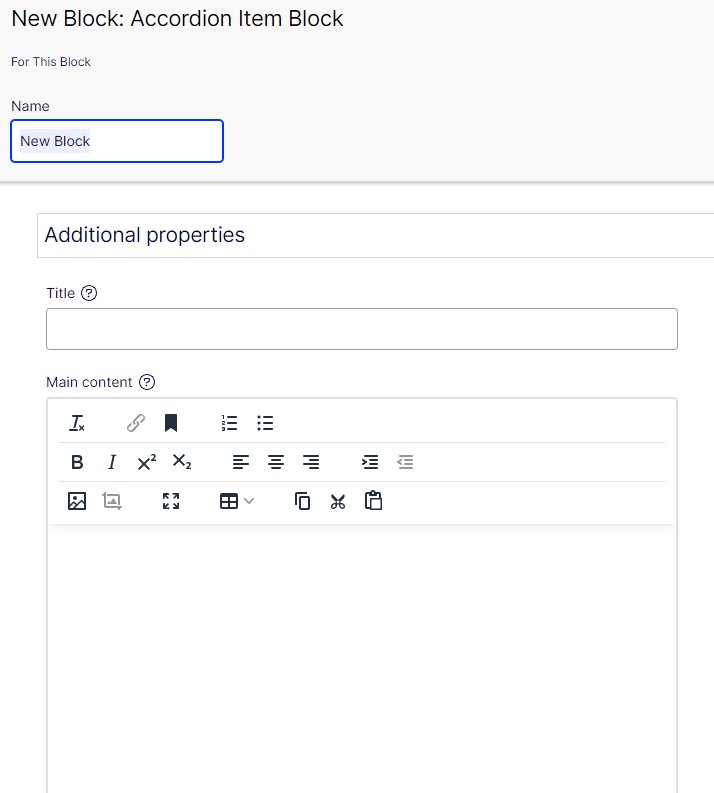
Accordion item block
- Name: displayed to editor
- Best practice is to name the block with the title
- Title: shown to user when the accordion item is closed
- Main content: shown to user when user clicks open the accordion