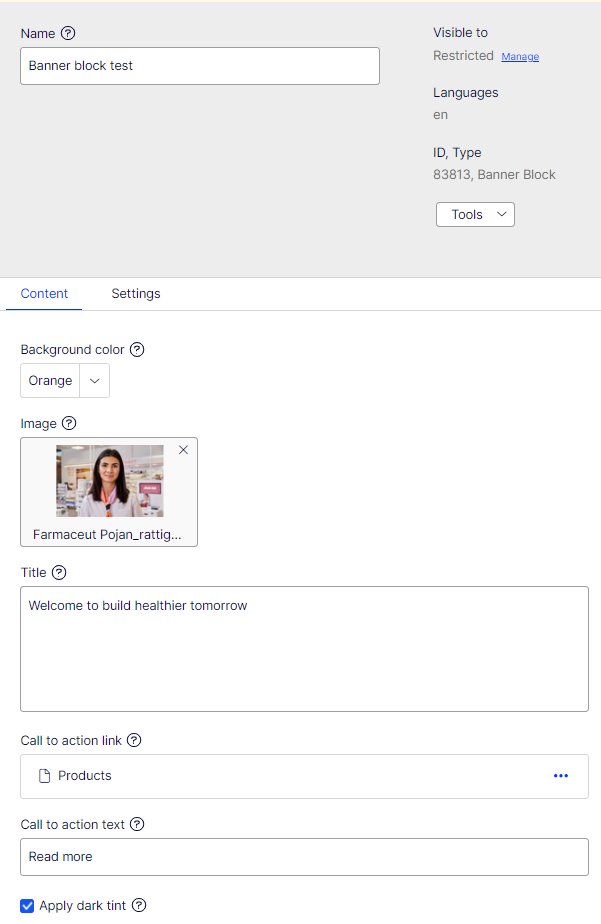
Banner block

Insert banner block to Wide content area of the page.
- Background colour: pick the background color for the block
- Image: add the banner image
- Title: the text that is shown on top of the image left of center
- Call to action link: the banner link target
- Call to action text: text that is shown on top of the arrow
- Apply dark tint: if chosen, adds a transparent dark layer to image (to give better contrast to white text)