Blurbs
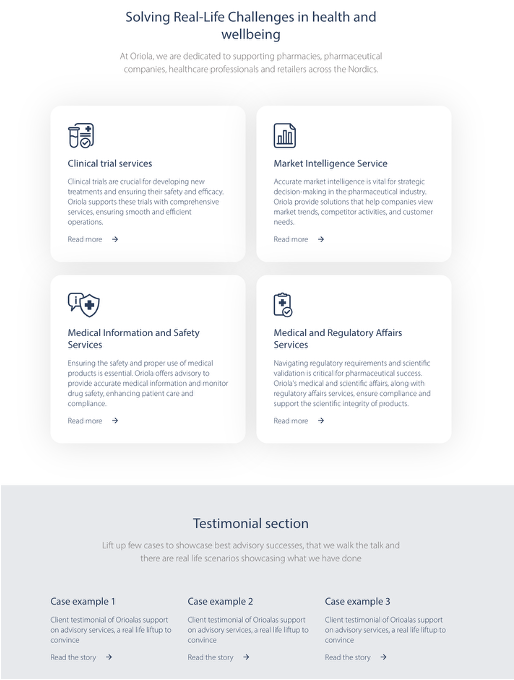
This block can have a heading, a leading text and blurb items. You can add any number of items and choose how many is shown in one row. You can add an image or an icon to a blurb item. It is also possible to hide the CTA button even though you have a link on the blurb. This block is meant to be placed in the wide content area.
Properties for Blurb collection block:
- headline
- lead text
- items
- items per row
- you can choose how many items per row is shown and the system will scale them nicely with different screen sizes
- background colour
- colour for the whole block
Properties for Blurb item block:
- header
- text
- icon/logo
- recommendations
- ratio: any
- min. size 70 px (the icon won't be taller than this)
- format: svg/png
- recommendations
- CTA link
- it is possible to hide the CTA button
- background colour
- for individual blurb item
- content alignment
- rounded corners
- if you have chosen a background colour, you can choose to have rounded corners on the item