Contact block
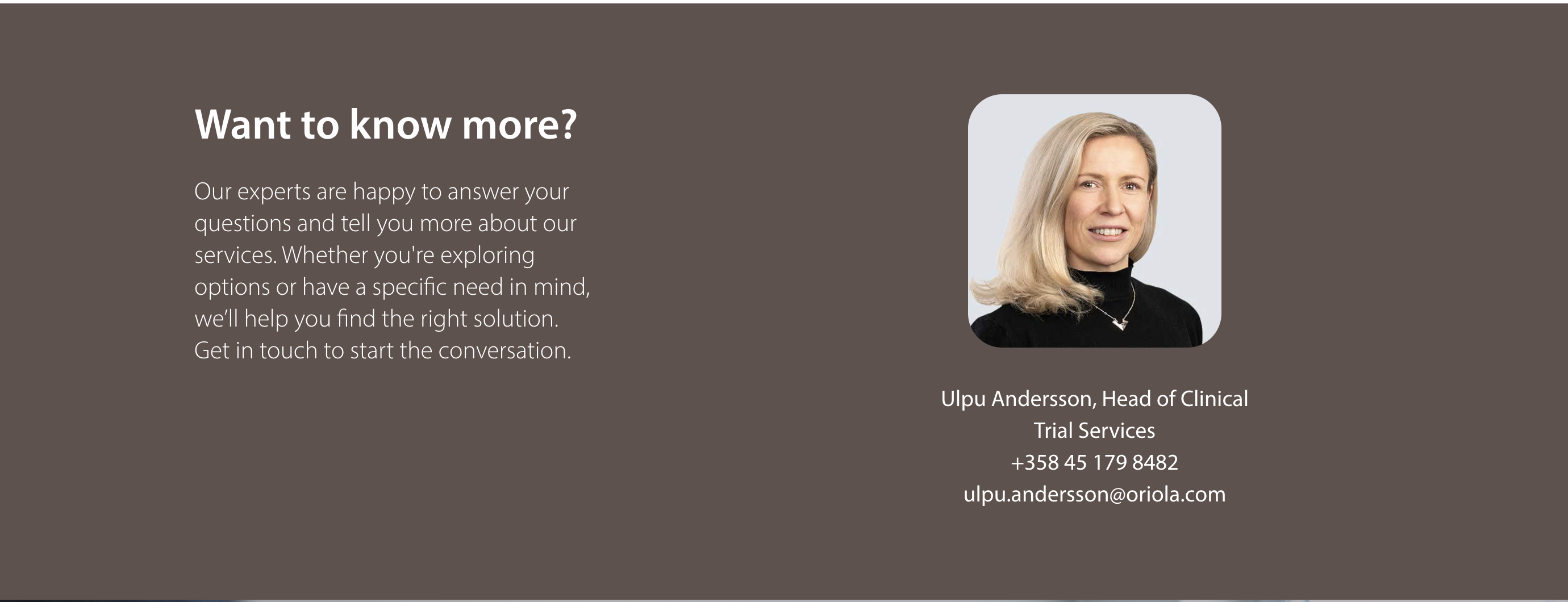
This block is an updated version of the Contact information block. The contact information is retrieved from Contact person page.
- Create new Contact block
- Name: name that is shown to editors
- Headline: Title that is before the contact information
- Lead text: Shown under the title
- Contacts: add the people you wish to show in the block
Add a person page to the contact block: Navigate to Contact persons (pages) and choose which contact person you want to show on the block. You can choose and include several contact pages (I.e. contacts) to a Contact information block. - Link: if you want ot add a cta to the block
- Background colour: you can choose a background colour to the block.
The optimal content area for this block is wide.
