Container block
With containers you can for example add background colour to the blocks.
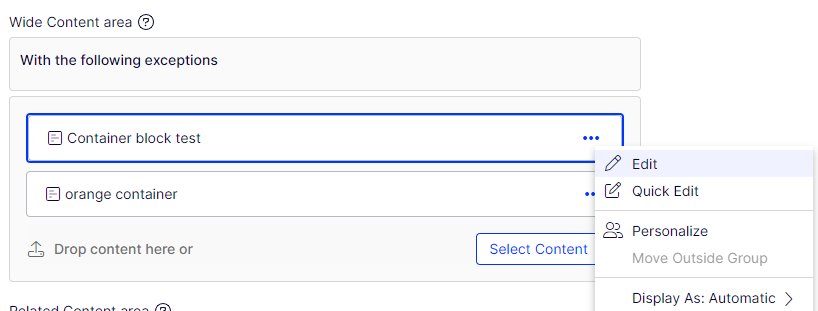
Containers should be placed on the wide content area .
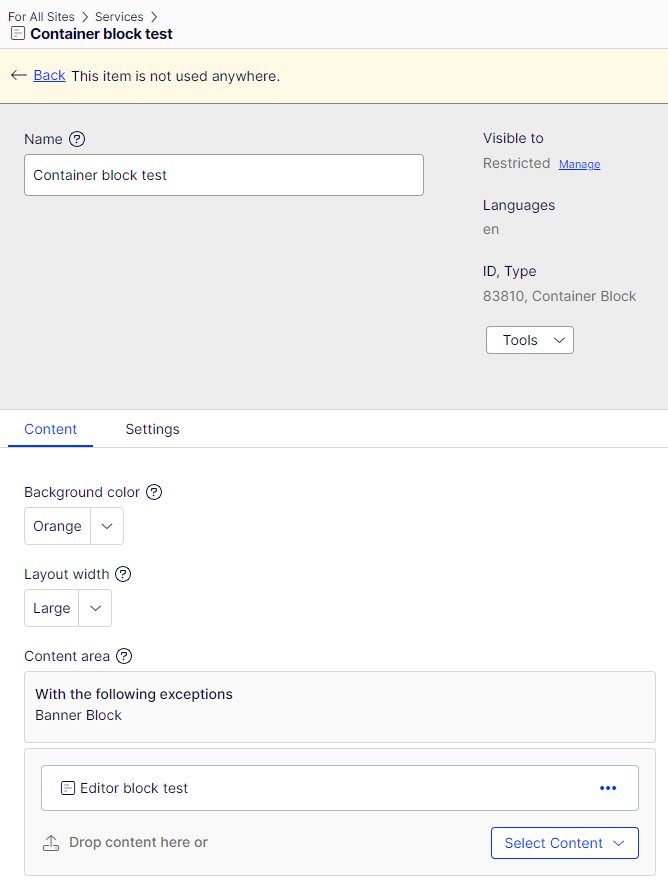
Container has three different options for content width:
- Small: same left margin as content page with left navigation
- Middle: same left margin as content page without navigation
- Large: Left margin same
Orange and blue containers should be used as accents on the page
- Add container block to wide content area
- Choose background colour
- Choose layout width large
- Add content blocks to the container block content are
- Blocks that are used inside the container have the normal views in use