High chart column block
Add High Chart Column block
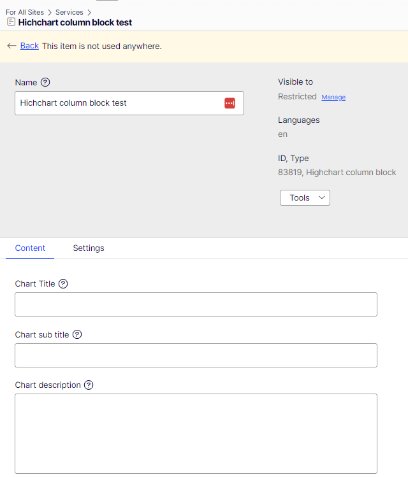
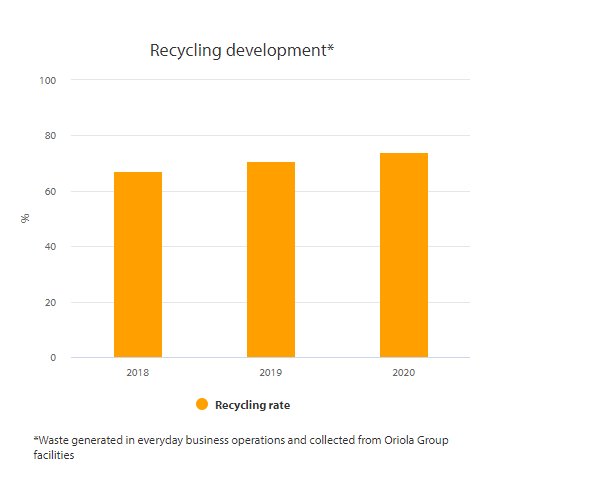
- Chart title: Shown on top of the chart
- Chart sub title: chart subtitle show under the title
- Chart description: shown under the chart
- Column categories: add the categories for bars
- Description of Y-axis: add what is shown as description on y-axis
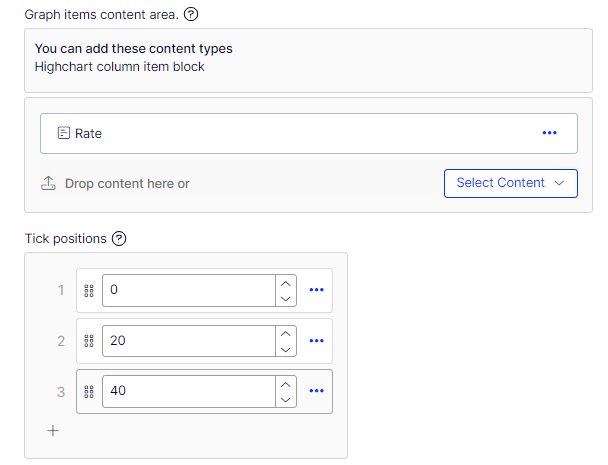
- Add the tick positions (the scale shown on the y-axis)
- Publish the chart at this point
- After publishing, you can add block to the Graph content items i.e. the bars
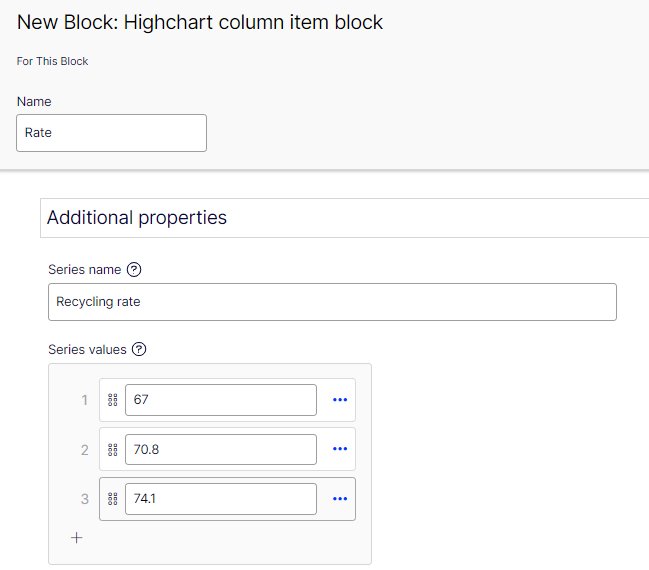
- Add series name that is shown under the bars
- Add values for the bars