High chart pie block
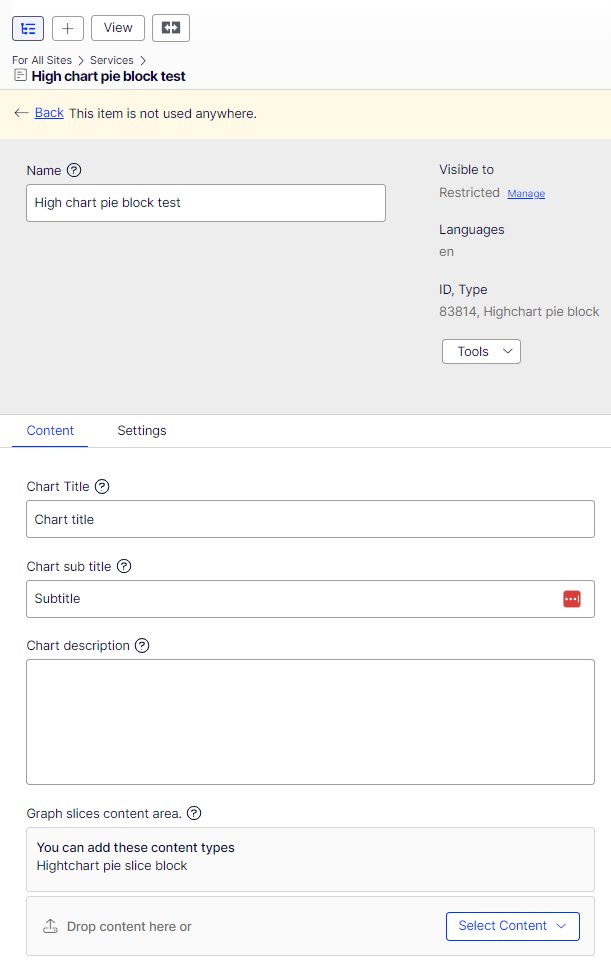
Add High chart pie block.
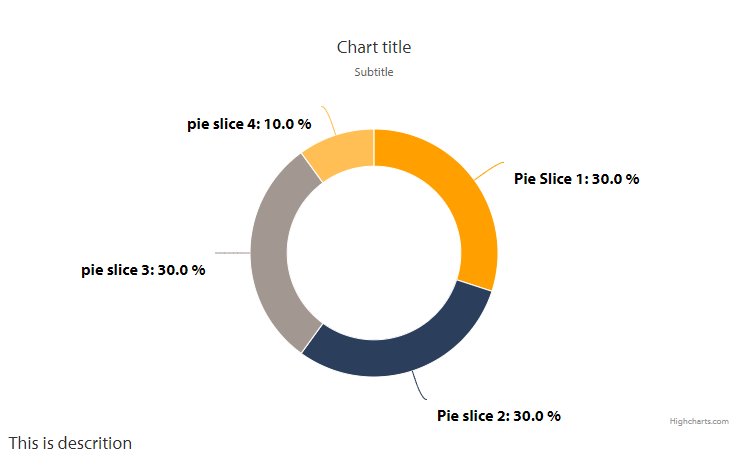
- Chart title: Shown on top of the chart
- Chart sub title: chart subtitle show under the title
- Chart description: shown under the chart
- Create and open the block again to add graph content items (the slices)
- In Graph content items you can add the individual slices
- Make sure that the total number of slices add to 100%
- Click create new block
- Name: name of the slice shown to editors
- Slice description: shown to visitors before the % value of slice as percentage: add the percentage of the individual slice as number