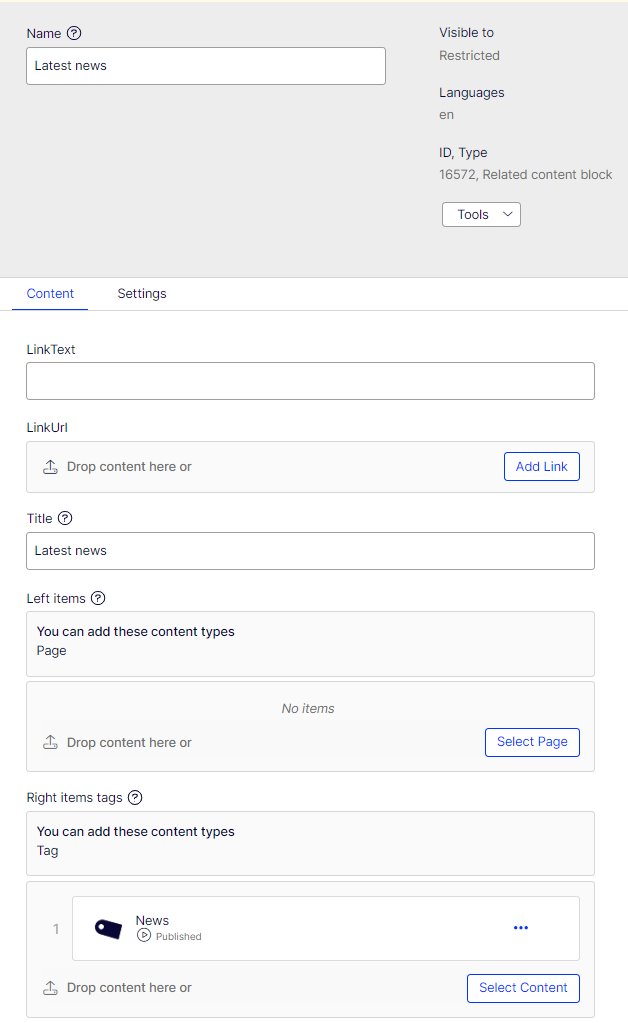
Related content block
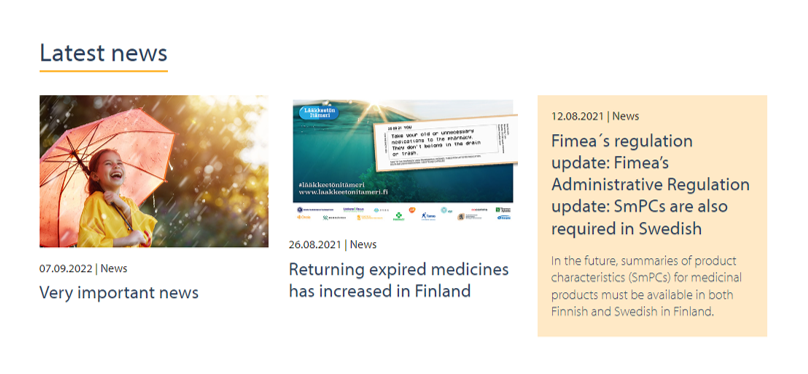
In related content Editor can add pages or tags to related content.
Tags are used to fetch related content automatically.
On page template click on Related content area and fill in the fields.
- Name: name of the block
- Title: The title that is shown e.g. Related content
- Link text and link url: not used
- Left items: drag pages that you want to show under relates content. The image and the text below the image are set in the page that is referred (see page template instructions).
- The left item can have a maximum of 3 pages. If you add three pages to left hand, then you can’t add any news to Right hand tags, as the block shows only three items.
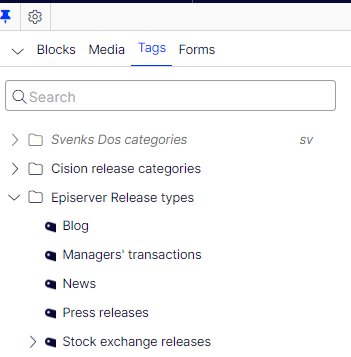
- Right hand tags: choose tags that are under Epi Release types or Tags. The newest news or releases that are tagged accordingly are shown automatically.