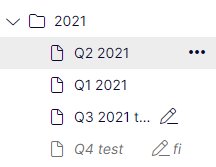
Investors Relations Page
The page is used to fill in the information about IRreport that is shown in the website on IR-reportingpage.
The page is not shown to end user, it is only usedfor fetching information.
Create Investor Relation report -page under the“Investor relation report pages”.
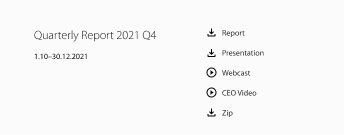
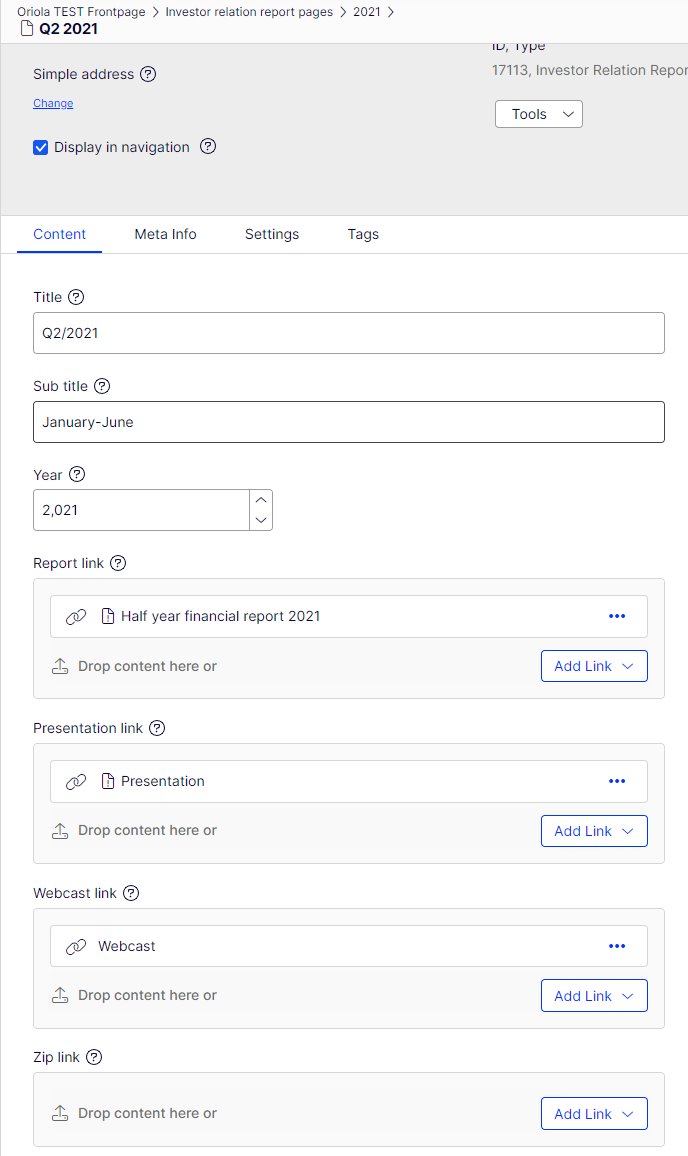
Title: title that is shown to end users
Subtitle: e.g. the dat
Year: year of the report for filtering purpose
Add the links to each of the link areas. The link willautomatically get the defined icon on the website.You can only have one link per link-type
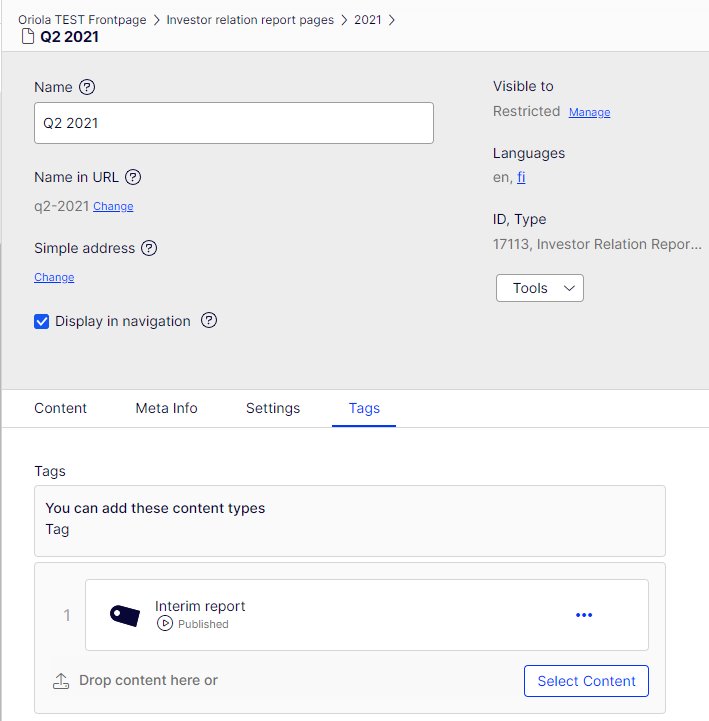
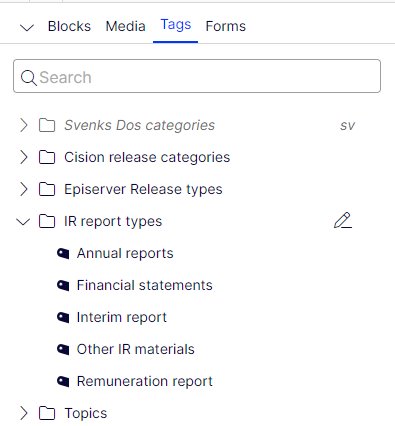
Add tags for filtering in the Tags-tab
Ordering the IR pages
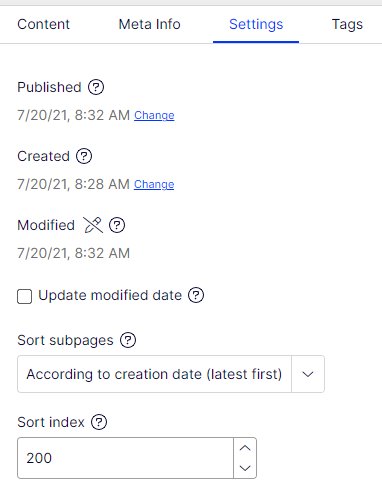
- You can determine the order of theInvestor report pages by the Sort Index onthe Settings tab.
- New pages will automatically get the sortindex 100.
- Page with the smallest sort index will belisted on the top.
- To avoid hassle on the IR reportpublication date, it is good to set previouspages to bigger than 100 already beforethe release date.