Section page
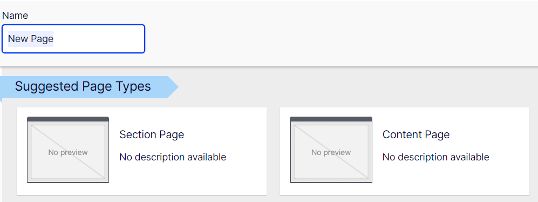
Section page is the first page of each section (e.g. Career, Products, Servives).
There are the following options on Content page's settings:
- Display in navigation: If the page is shown in navigation, the level of page determines on which navigation it is shown
- Display in footer: The page is only shown in footer if it is on the first level hierarchy or it’s directly under first level page that is set to be shown in navigation. Only for Section page
There is an obsolete hero element and a new hero element. The new hero block has the same elements as the obsolete one, but it has also colour options. The colour you choose will be used on the CTA button and the color behind the image. Also it is possible to change the places of the image and text.
Properties for the hero:
- Image
- recommendations
- ratio: 4:3 - horizontal, 3:4 - vertical
- min. size 991/743 px: 743/991 px
- format: jpg, png, svg
- recommendations
- Title
- Text
- CTA link
- Block colour
- chosen colour will be used on the CTA button and on the colour element
- invert layout
- you can switch the places of the image and text
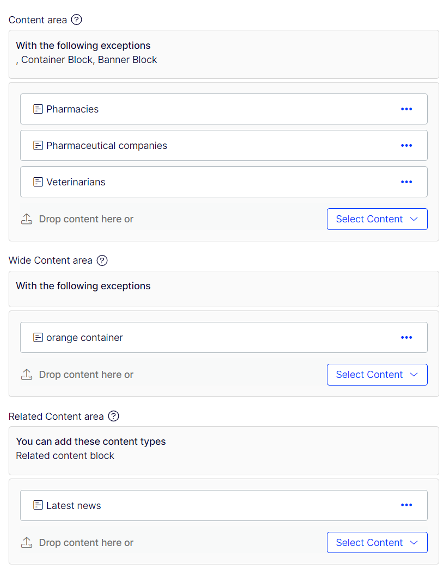
Content areas are areas where you add the blocks (actual content).
First content are is for blocks on the white area of the page.
If you want to use background color, add container, choose color and insert blocks within the container block (see instructions for container block).
Related content (see instructions for related content block).