Contact information block
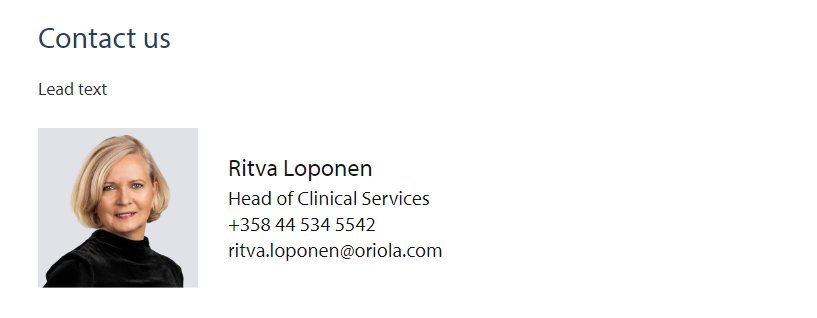
Block is used for showing the contacts information of persons. The contact information is retrieved from Contact person page. Note! There is a new block with new look: Contact block.
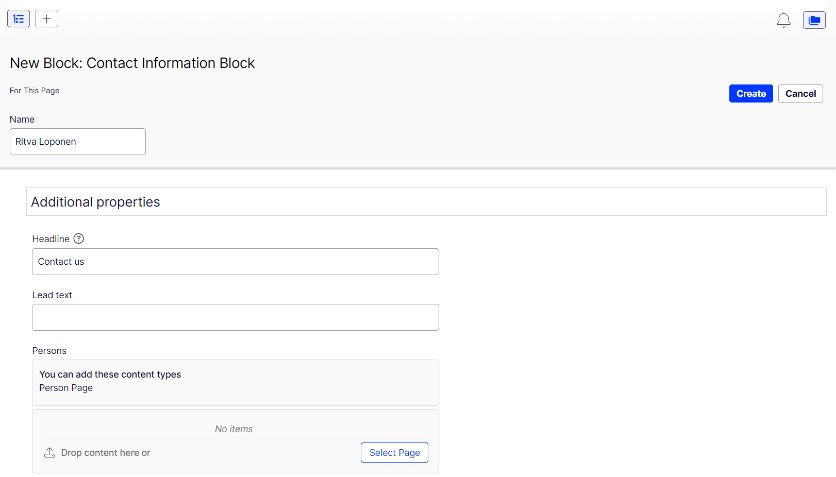
Create a person page and then:
- Create new ContactInformationBlock
- Name: name that is shown to editors
- Headline: Title that is before the contact information
- Lead text: Shown under the title
Add a person page to the contact block: Navigate to Contact persons (pages) and choose which contact person you want to show on the block. You can choose and include several contact pages (I.e. contacts) to a Contact information block.